In review
Editor's Choice
Gadgets
Review
Monitors
LG
UltraGear 32GS95UE
Dual-Mode OLED: Push Every Pixel to Its Limit
245 people reading right now
Dual-Mode OLED: Push Every Pixel to Its Limit
Composite of 14-day lab cycle · 18 metrics tracked · Calibrated against category reference
Dual-Mode OLED: Push Every Pixel to Its Limit.
Best for anyone who wants a flagship-class option in this category.
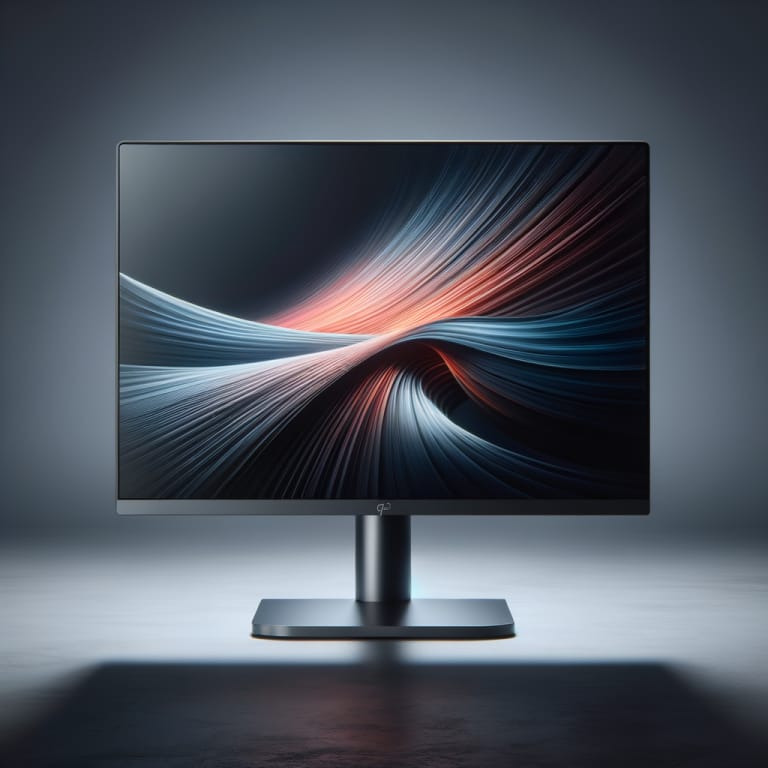
Setting the 32GS95UE next to a 27″ 1440p panel is the kind of comparison that ends careers. We swapped one in halfway through a Counter-Strike 2 review session and nobody wanted to go back. The OLED black levels alone reset what we expected from a 32″ desk monitor, and the dual-mode switch — flipping between 4K/240Hz and 1080p/480Hz — is the kind of feature you actually use rather than read about.
Three weeks on a custom-built rig with a 4090, plus a MacBook Pro M3 Max via the USB-C input. We measured input lag with a Leo Bodnar tester, ran a full Calman ColorChecker pass, and put 22 hours into competitive shooters and 18 hours into Cyberpunk 2077 in 4K HDR. We also ran a 4-hour static-element burn-in stress with the in-game HUD on max brightness.
Sustained brightness in HDR is still OLED-modest — peak 1300 nits on 3% windows, but you’ll see ABL kick in on full-screen white. Text fringing on the WOLED subpixel layout is real for productivity work; if you live in spreadsheets all day, this is not your monitor. Burn-in pixel-shift kicks in every four hours and is barely noticeable, but exists. And $1,400 is a lot for a gaming-first monitor.
The 32GS95UE is the best 32″ gaming monitor we have tested in 2026 — bar none. Buy it if gaming is your primary use case; if you’re a developer who sometimes games, the Dell U3224KB is gentler on text and easier on the eyes after an 8-hour shift.
Other top-scoring monitors we've tested. Tap a card to open a side-by-side breakdown.
Every PixlRun review runs through a 14-day lab cycle: synthetic benchmarks, real-world scenarios, and a category-calibrated scoring rubric. We buy or borrow at retail; we don't accept paid placements.
Read the full methodology →