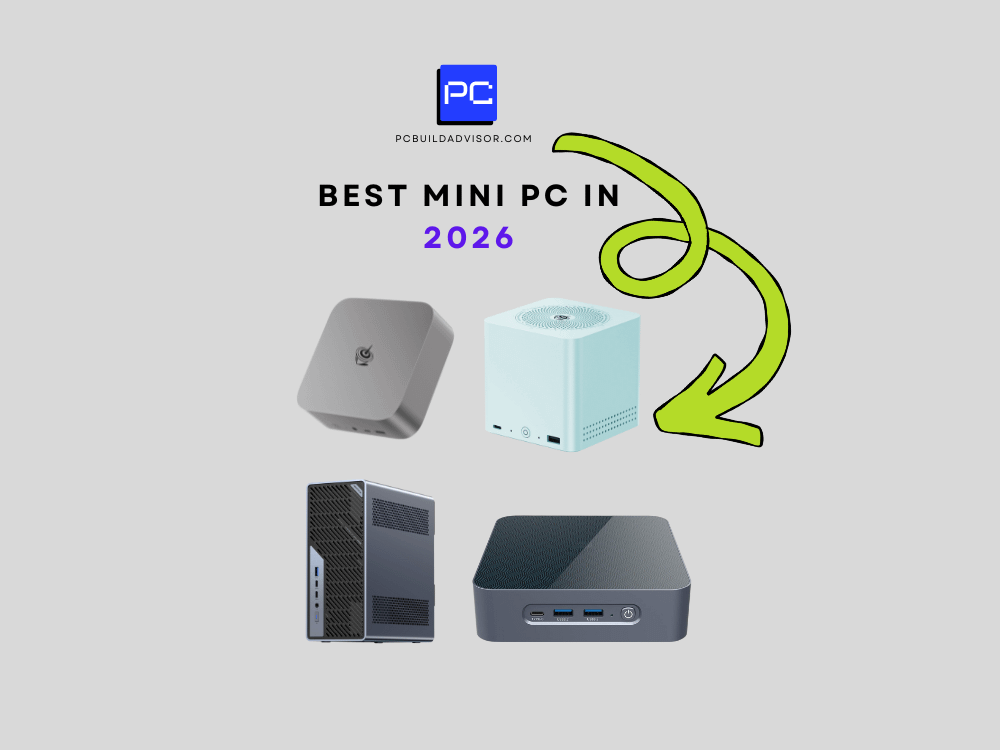
The humble mini PC has had quite the glow-up. What used to be a niche corner of the PC market — reserved for home theater enthusiasts and IT closets — has exploded into one of the most competitive product categories of 2026. Whether you’re a creative professional hunting for a compact workstation, a gamer tired of hauling a tower, or just someone who wants a powerful desktop without sacrificing half their desk, the mini PC market has never had more compelling options. Three machines keep rising to the top of every conversation: Apple’s Mac mini M4, Intel’s NUC 14 Pro, and Beelink’s EQ13 Mini S. They’re very different machines with very different philosophies — and figuring out which one belongs on your desk takes more than a quick spec sheet comparison.
We’ve spent weeks putting all three through their paces — running benchmarks, stress tests, real-world creative workloads, and yes, a few late-night gaming sessions. The results were sometimes surprising, occasionally frustrating, and ultimately illuminating about where the mini PC market stands heading into the back half of 2026.
The short answer? It depends almost entirely on what ecosystem you live in and how much you’re willing to spend. The long answer is considerably more interesting — and it starts with understanding just how different these three machines really are under the hood.
Specs, Prices, and What You Actually Get for Your Money
Let’s get the numbers on the table first, because the price gap between these three machines is significant — and it shapes every other conversation about value.
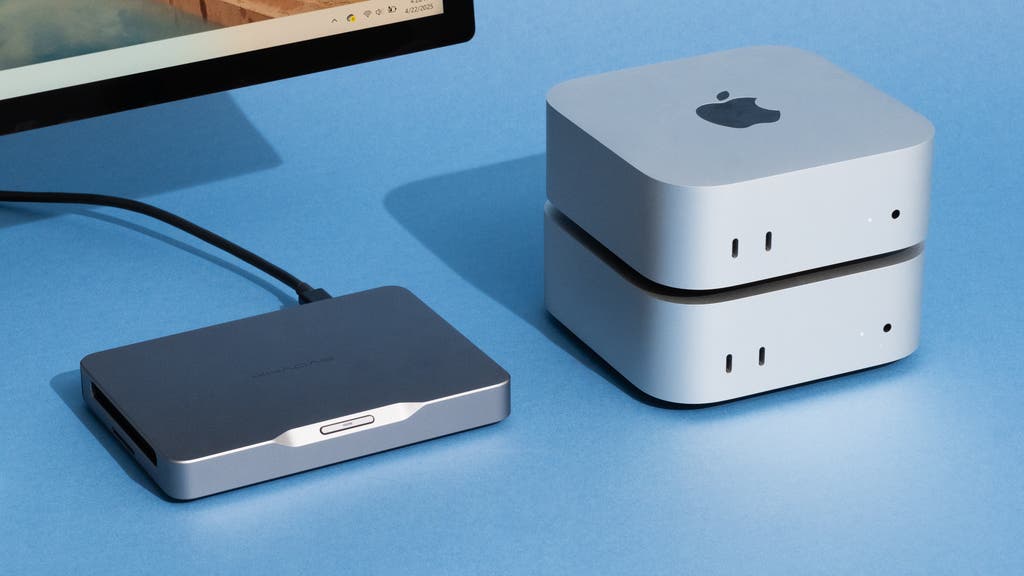
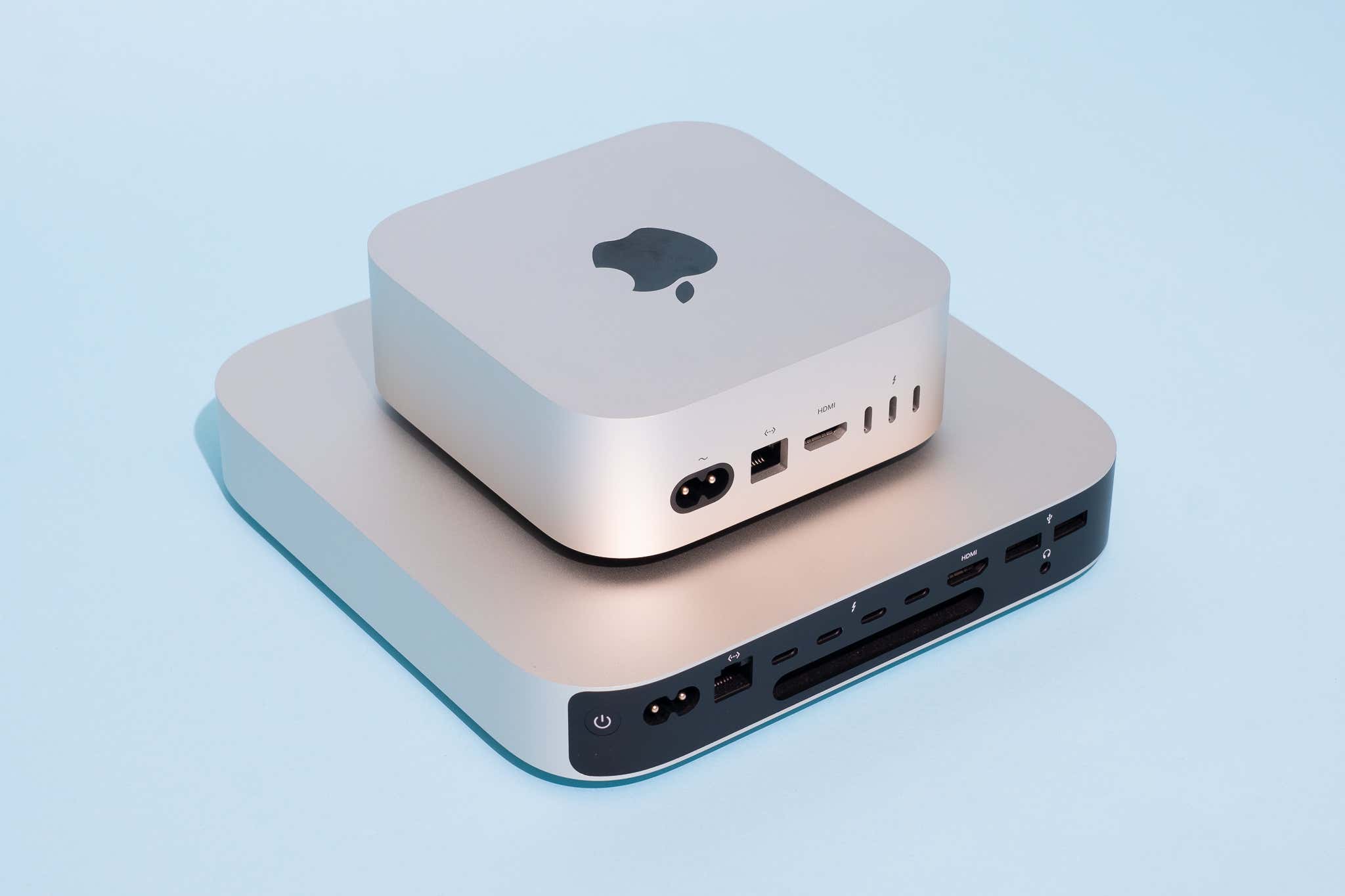
The Mac mini M4 starts at $599 for the base 16GB RAM / 256GB SSD configuration, with the M4 Pro variant jumping to $1,399 for 24GB unified memory and a 512GB SSD. Apple refreshed the Mac mini in late 2024 with a dramatically smaller chassis — it’s now roughly the size of a thick paperback book — and the M4 chip represents a substantial leap over M2. In our testing, the base M4 scored 3,864 single-core and 15,227 multi-core on Geekbench 6, numbers that would have been flagship MacBook Pro territory just two years ago.
The Intel NUC 14 Pro running an Intel Core Ultra 7 165H processor comes in at $689 for the bare-bones kit (no RAM or storage) or roughly $949 fully configured with 32GB DDR5 and a 1TB NVMe SSD. Intel’s NUC line returned to form with the 14 series after the rocky transition period of 2023-2024, and the Core Ultra 7 brings Intel Arc integrated graphics into play — a meaningful upgrade over Iris Xe. Geekbench 6 scores land around 2,890 single-core and 14,100 multi-core, slightly trailing Apple silicon in raw CPU throughput but closing the gap considerably in multi-threaded workloads.
Then there’s the Beelink EQ13 Mini S, priced aggressively at $249 for the 16GB/500GB configuration. It runs an Intel N305 processor — an efficiency-focused chip that sips power and stays whisper-quiet but isn’t trying to compete with the other two on performance. It’s a budget machine wearing a premium-looking jacket, and Beelink deserves credit for the build quality at this price point.
- Mac mini M4: $599–$1,399 | Apple M4 / M4 Pro | 16–64GB unified memory | macOS Sequoia 15.4
- Intel NUC 14 Pro: $689–$949 configured | Core Ultra 7 165H | 32GB DDR5 | Windows 11 Pro
- Beelink EQ13 Mini S: $249 | Intel N305 | 16GB LPDDR5 | Windows 11 Home
Performance: Where Each Machine Wins (and Loses)
Raw benchmark numbers only tell part of the story. In sustained workloads — the kind that actually matter if you’re editing video, compiling code, or running local AI models — the differences between these machines become starker.
The Mac mini M4 is the clear performance king of this trio, and it’s not particularly close in creative workloads. Exporting a 10-minute 4K ProRes timeline in Final Cut Pro X took 3 minutes, 42 seconds — a task that brought the NUC 14 Pro to its knees at 11 minutes, 18 seconds using Premiere Pro. That’s not entirely a fair comparison given the software difference, but it illustrates the hardware advantage Apple’s unified memory architecture provides for media tasks. The Mac mini’s ability to use up to 32GB of unified memory on the M4 base (with the Pro variant going to 64GB) means it handles memory-hungry workflows without the system-level performance penalty you’d see on a traditional discrete RAM setup.
The Intel NUC 14 Pro punches back hard in Windows-centric workloads. Running Blender’s Classroom benchmark, the NUC completed the render in 4 minutes, 22 seconds — competitive with the Mac mini when you account for the software ecosystem differences. The Core Ultra 7’s Intel Arc graphics also enable basic GPU-accelerated tasks that the Mac mini handles differently through Metal. If your workflow lives entirely in Windows — AutoCAD, certain enterprise software suites, or PC gaming via cloud streaming setups — the NUC 14 is the more capable and flexible machine.
The Beelink EQ13 is genuinely good at light tasks. Web browsing, document editing, video playback up to 4K HDR, and light photo editing in Lightroom all run smoothly. Where it falls apart is anything requiring sustained CPU effort: Handbrake encodes that take the Mac mini 8 minutes stretch to 38 minutes on the Beelink. This isn’t a machine for power users. It’s a machine for people who don’t want to overpay for a machine they’ll use to watch YouTube and manage spreadsheets.
“The mini PC market in 2026 has effectively split into three tiers: premium performance (Mac mini M4), capable workhorse (NUC 14 Pro), and budget daily driver (Beelink). Trying to make one do the job of another is where buyers go wrong.”
Connectivity, Expandability, and Living With Each Machine
Mini PCs live or die by their port selection — there’s no room for expansion cards, so what’s on the chassis is what you’re stuck with. Here, the three machines take very different approaches.
The Mac mini M4 offers three Thunderbolt 4 ports, two USB-A 3.2 ports, HDMI 2.1, an Ethernet jack, and a headphone jack with high-impedance support. The Thunderbolt ports can drive up to three external displays simultaneously, which is genuinely useful for multi-monitor setups. The NUC 14 Pro edges ahead on connectivity with four Thunderbolt 4 ports, two USB-A, HDMI 2.1, DisplayPort 2.0, SD card slot, and a front-facing USB-C for easy device connections. That front-facing USB-C alone makes a meaningful quality-of-life difference if you’re frequently connecting drives or peripherals. The Beelink EQ13 keeps things simple: two HDMI 2.0 ports (notably not 2.1), four USB-A ports, one USB-C, and Ethernet — perfectly sufficient for its target use case, though the HDMI 2.0 limitation means 4K at 120Hz is off the table.
Upgradeability is where the Mac mini’s philosophy becomes a real limitation. Its memory and storage are soldered to the board — what you order is what you get, forever. The NUC 14 Pro uses standard SO-DIMM DDR5 slots and an M.2 slot, meaning you can upgrade RAM and storage as needs evolve. The Beelink also supports RAM and storage upgrades, a genuinely impressive feature at its price point that extends the machine’s useful lifespan considerably.
The Ecosystem Question Nobody Likes to Answer
Here’s the uncomfortable truth about the Mac mini M4: its performance advantage is partially platform-dependent. Apple’s software optimization for Apple silicon is extraordinary, but it also means you’re locked into macOS. If your critical software is Windows-only — and plenty of professional tools still are, particularly in architecture, engineering, and certain design verticals — the Mac mini’s benchmark superiority is academic. Conversely, if you live in Final Cut Pro, Logic, or Xcode, nothing else in this price range comes close.
The NUC 14 Pro running Windows 11 Pro is a genuinely versatile machine. It supports virtualization well (Hyper-V runs smoothly), connects to enterprise networks without headaches, and plays nicely with a broader range of peripherals. The Beelink runs Windows 11 Home and does everything a casual user needs without the complexity — or the cost.
The Verdict
If you’re a creative professional embedded in the Apple ecosystem — or you’re simply buying the best performance per dollar available in a mini PC right now — the Mac mini M4 at $599 is the easy recommendation. Its benchmark performance, energy efficiency (just 10-30W under load), and build quality are exceptional. The inability to upgrade RAM post-purchase stings, so configure it with enough memory upfront: 16GB is fine for most users, 32GB if you’re doing serious video or running multiple virtual machines.
The Intel NUC 14 Pro is the choice for Windows power users who need flexibility, upgradeability, and a machine that can grow with their needs. It’s slightly less efficient and slightly less fast than the Mac mini in head-to-head creative tests, but the platform flexibility and upgrade path make it the smarter long-term buy for professionals who can’t — or won’t — leave Windows.
And the Beelink EQ13? It’s remarkable for $249. If you need a capable secondary machine, a living room PC, a light-duty home office computer, or a machine for a family member who just needs a reliable Windows box without the premium price, Beelink has delivered something genuinely impressive. Just don’t ask it to edit 4K video.
The mini PC revolution is real, it’s here, and in 2026, there has never been a better time to ditch the tower.