PixlRun / Free tool
Free background remover. Full resolution. Nothing uploaded.
Drop a photo below and watch its background disappear in seconds, at full resolution, entirely inside your browser.
Drop a photo - it opens in Studio instantly
JPG, PNG or WebP - processed entirely on your device.
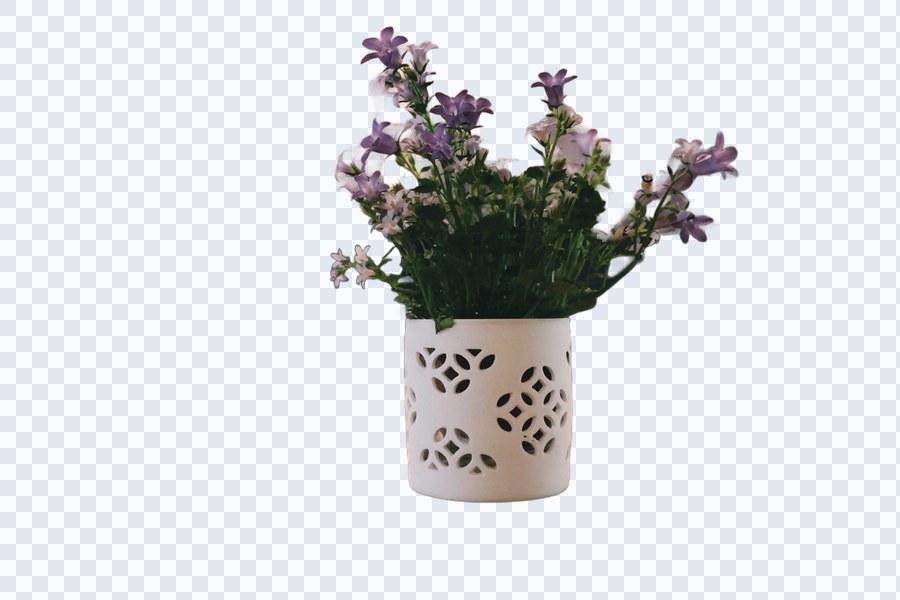

Drag to compare - real on-device result, no retouching.
Why full resolution is free here
remove.bg's free web tool caps every download at 0.25 megapixels - a small preview, not a usable photo - and charges credits for the full-resolution version. Pixian's free tier has the same 0.25MP ceiling. That limit exists because those tools run the AI model on a server, and every image you process costs them compute.
This tool runs the AI model on your device instead. There's no server doing the work, so there's no per-image cost to recoup - which means we can hand back your photo at its original, full resolution for free, all the way up to the daily limit.
How it works on your device
When you drop in a photo, your browser loads a small AI segmentation model and runs it locally using WebGPU (falling back to WebAssembly on older browsers/devices) via onnxruntime-web. The model produces a matte - essentially a map of "foreground" vs "background" - which is then applied back onto your original image to cut out the background.
Your image data is never packaged into a network request. The only things your browser downloads are the (public, open-source) AI model and runtime code - never the other way around.
How it compares
| Tool | Free tier | Full-res download | Price for unlimited/full-res | Runs on your device |
|---|---|---|---|---|
| PixlRun (this tool) | 5 images/day | Yes, on the free tier | $4.99/mo (unlimited images) | Yes |
 remove.bg remove.bg | Unlimited previews | No - free downloads capped at 0.25MP | Paid credits/subscription required | No, uploads to their servers |
 Pixian.ai Pixian.ai | Unlimited previews | No - 0.25MP cap | Pay-per-image, no subscription | No, uploads to their servers |
 Canva Canva | Not included free | Yes (Pro only) | $14.99/mo Canva Pro (whole suite, not sold standalone) | No, uploads to their servers |
 Adobe Express Adobe Express | Unlimited, free | Yes, free | Free - requires a free Adobe account | No, uploads to Adobe's servers |
Competitor figures verified against each vendor's own pricing/help pages, July 2026. Subject to change - always check the vendor's current pricing.
FAQ
Does this background remover keep full image resolution?
Yes. The AI only computes a segmentation mask at a smaller working resolution internally, then that mask is upscaled and applied back onto your original, full-resolution image - so the PNG you download matches your original photo's dimensions. That's different from remove.bg's free tier, which caps free downloads at 0.25 megapixels. Extremely large images (roughly 48 megapixels and above) are automatically scaled down to fit browser memory limits.
How many background removals do I get for free?
5 images per day, at full resolution, no account required. The counter resets at midnight in your local time. Pro ($4.99/month) removes the daily limit entirely, with unlimited batch processing.
Is my photo uploaded to a server?
No. Everything runs on-device in your browser using WebGPU (with a WebAssembly fallback) via onnxruntime-web. Your image is never sent anywhere - there is no upload step at all, which is also why this tool can offer full-resolution results for free instead of billing you for server compute.
Can I remove backgrounds from multiple photos at once?
Yes. Drag and drop as many files as you like into the queue and they process one after another automatically. The free tier is limited to 5 images per day; Pro unlocks unlimited batch volume.
How does the quality compare to remove.bg?
On portraits and people, quality is comparable - both this tool and remove.bg identify a clean foreground silhouette and matte fine detail like hair. On complex product or object photos, remove.bg's proprietary server-side model can sometimes edge it out on tricky edges.
Can I touch up the result?
Yes. Every finished result has a free Edit button that opens an on-device erase/restore brush - handy for cleaning up small mistakes like a stray strand of hair or a sliver of background the AI missed, without spending another one of your daily free images. Edits stay on your device just like the rest of the tool; nothing is uploaded.
Can I remove an object from my photo, not just the background?
Yes. The Edit screen also has a free Magic Erase brush: paint over an unwanted object - a stray passerby, a wire, a sign - and an on-device AI inpainting model (MI-GAN) fills the area to match its surroundings, running entirely in your browser like the rest of this tool. It works even if you haven't removed the background at all. Like the touch-up brush, this is unlimited and free on every tier, and nothing is uploaded. Results are best on a clearly separate foreground object; very cluttered scenes can occasionally show a soft blend artifact.
Looking for other remove.bg alternatives?
See the honest, up-to-date comparison of remove.bg alternatives for 2026.
More free tools
Sources
This tool uses ISNet ("general use", Apache-2.0 licensed, from the DIS project by Xuebin Qin et al.) via the Ko033/isnet-general-use-onnx ONNX build, run locally with onnxruntime-web (MIT licensed). Neither the model weights nor the runtime are hosted on our servers - both are fetched from their public CDNs on demand.