AI Tool
Midjourney
Midjourney Inc.
Midjourney
Leading AI image generator. Photorealistic and artistic outputs from text prompts. V6 is stunning.
Leading AI image generator. Photorealistic and artistic outputs from text prompts. V6 is stunning.
Midjourney is an unusual company in the AI landscape. It was founded in August 2021 by David Holz — better known as the co-founder of Leap Motion, the gesture-control startup he spent a decade running. After leaving Leap Motion, Holz self-funded Midjourney and bootstrapped the company through profitability. There’s no venture capital, no public board, no IPO timeline.
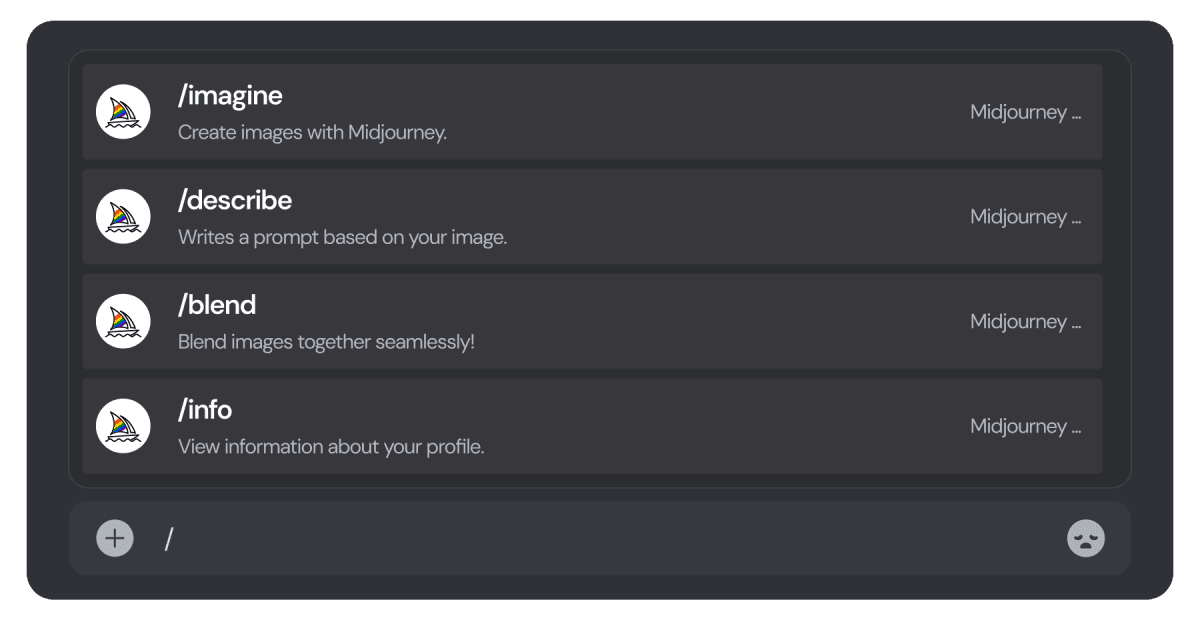
The product launched as a Discord bot, entering open beta in July 2022. You’d type /imagine prompt: a cyberpunk city at sunset in a public Discord channel; the bot replied with four image options. Other people’s prompts and outputs were visible in the same channel. This community-first design did three things at once: kept infrastructure costs minimal (no custom web app to build), generated organic marketing as users shared each other’s work, and created a built-in prompt-crafting tutorial — you learned by watching strangers iterate.
The model has shipped roughly every six months to a year: v1 (Feb 2022, internal), v2 (Apr 2022), v3 (Jul 2022), v4 (Nov 2022, the version that made Midjourney famous), v5 (Mar 2023), v6 (Dec 2023, the photorealism breakthrough), v7 (Apr 2025), and the v8 line — v8 (Mar 2026), v8.1 (Apr 2026), v8.2 (Jul 2026) — which is the current default. Each release narrowed the gap to “looks like a real photograph”; the v8 line added native 2K output and roughly 4-5x faster fast-mode generation compared with v7.
The web interface launched in 2024 after years of community requests. Discord remains active and many power users prefer it. The dual-interface approach is intentional — Discord for community and discovery, web for production work.
Midjourney is a text-to-image AI model. You write a description; the model produces images. The product surface includes:
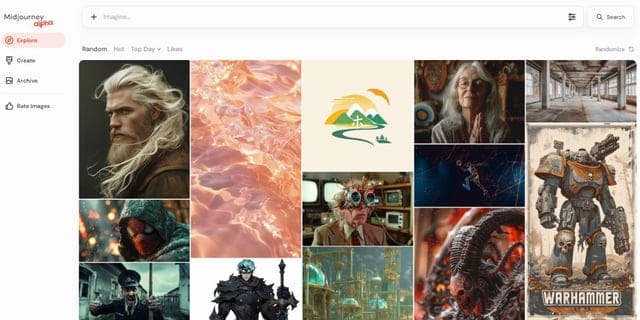
Outputs are 1024×1024 by default, with various aspect ratios via parameter. Upscaling to 2048×2048 or 4096×4096 is available on all plans. Four variations are generated per prompt; you pick one and can iterate (vary, upscale, remix, pan, zoom).
What Midjourney still doesn’t do: editable layers like Photoshop, and in-painting at the precision of dedicated editing tools. Video generation launched in 2025, but it works from a still image rather than a text prompt alone — for text-to-video from scratch, or for pixel-precise editing, you’d still reach for Runway, Photoshop, or Stable Diffusion with ControlNet. Midjourney’s bet is “generate the best-looking image”; heavier editing happens elsewhere.
Sign up at midjourney.com. Pick a plan ($10/mo minimum — no free tier). Type a prompt in the web app’s prompt bar. About 30-60 seconds later, four variations appear. Click any to see it bigger. Buttons: Vary (generate similar variations), Upscale (4x resolution), Remix (use as starting point for a new prompt), Pan (extend image in a direction), Zoom out (extend canvas around the image).
The thing first-time users underestimate: prompt iteration. The first prompt rarely gives the perfect image. The fifth prompt — after you’ve learned what the model responds to and what it doesn’t — usually does. Budget 10-20 minutes for an image you’ll actually use. The fact that each generation only takes 30 seconds matters: iteration is fast and cheap.
Midjourney prompts have a structure that differs from Claude or ChatGPT prompts. The model responds best to:
A prompt that produces noise: “a beautiful sunset.” Too generic. A prompt that produces a striking image: “elderly fisherman on a wooden dock, last light of day, soft rim-light from the sun, North Atlantic, photographed by Henri Cartier-Bresson, 35mm film grain, melancholy mood.”
The skill is restraint. Pile on adjectives and the model averages them — you get visual mush. Pick a few specific anchors (one named photographer, one specific time of day, one specific mood) and the model knows what to do.
Naming a specific photographer, painter, or director in the prompt does more than any list of descriptors. The model has learned their bodies of work and applies the entire visual sensibility — composition, light, color, mood. “Photographed by Saul Leiter” is shorthand for an entire aesthetic vocabulary.
Midjourney parameters go after the main prompt, prefixed with --. The high-leverage ones:
--ar 16:9 aspect ratio (1:1, 4:5, 16:9, 3:2, 9:16 most useful)--s 100 stylization (0-1000; lower = more literal, higher = more interpretive)--w 100 weirdness (0-3000; how unconventional the output is)--c 25 chaos (0-100; how varied the four results are)--no [things] exclude specific elements (–no people, –no text)--sref [url] style reference — use another image’s style--cref [url] character reference — a v7-era parameter; on v8.x, use the Edit Model (attach up to four reference images) to keep a character or style consistent instead--v 8 model version (always specify if you want consistent results; drop to --v 7 if you need the legacy Omni Reference tool)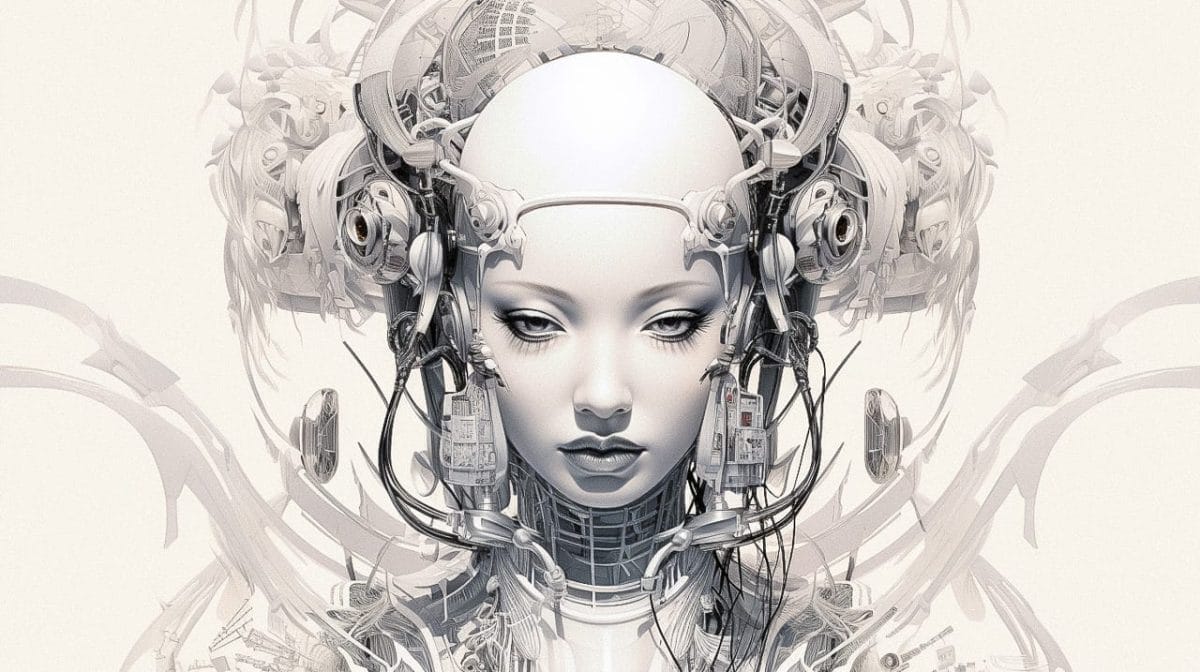
Find an image whose visual style you love. Upload it. Use its URL with --sref. Every subsequent prompt borrows the style — color palette, lighting, mood, composition — without copying the content. This is the feature professional designers use most. It transforms Midjourney from “AI generator” into “your team’s house style, made repeatable.”
For someone with visual taste, Midjourney is one of the more pleasurable image generators to work with. The 30-second generation cycle is fast enough to keep flow, slow enough to think between iterations. The four-variation default means you see options you didn’t think to ask for. The remix and vary buttons turn ideation into a continuous process — every output is a starting point for the next.
The frustration: when the model misunderstands your prompt, more words don’t fix it. You have to think differently — drop adjectives, swap the structure, name a specific artist. This is a learnable skill, but it takes weeks to internalize. New users often blame the model when their first attempts don’t work. Power users blame themselves.
The disappointment: text. The v8 line handles short text on signs and posters with much better accuracy than v7 did. Longer text — book covers, product labels, anything more than a few words — is still unreliable. For typography-heavy work, you generate the image without text and add typography in a separate tool.
Marketing teams generating hero images for landing pages typically start with a broad style brief — a composition, a material, a lighting direction — rather than a literal description of the final image, then iterate through several prompt revisions before upscaling the result. Because generation takes under a minute, that iteration loop is fast enough to try many directions before committing.
For projects that need several images to feel like a matched set — a blog’s illustration style, a product line’s imagery — the common approach is to generate one image carefully, then reuse its URL as a --sref style reference for every subsequent prompt. The style reference carries the color palette, lighting, and composition forward while the prompt text changes only the subject, which is what makes the style-reference workflow the feature most designers reach for first.
For early-stage concept work — speculative product shots, pitch-deck visuals for features that don’t exist yet — Midjourney is often used to explore directions quickly before committing budget to a human illustrator or photographer, since a weak direction costs a few minutes rather than a commissioned piece.
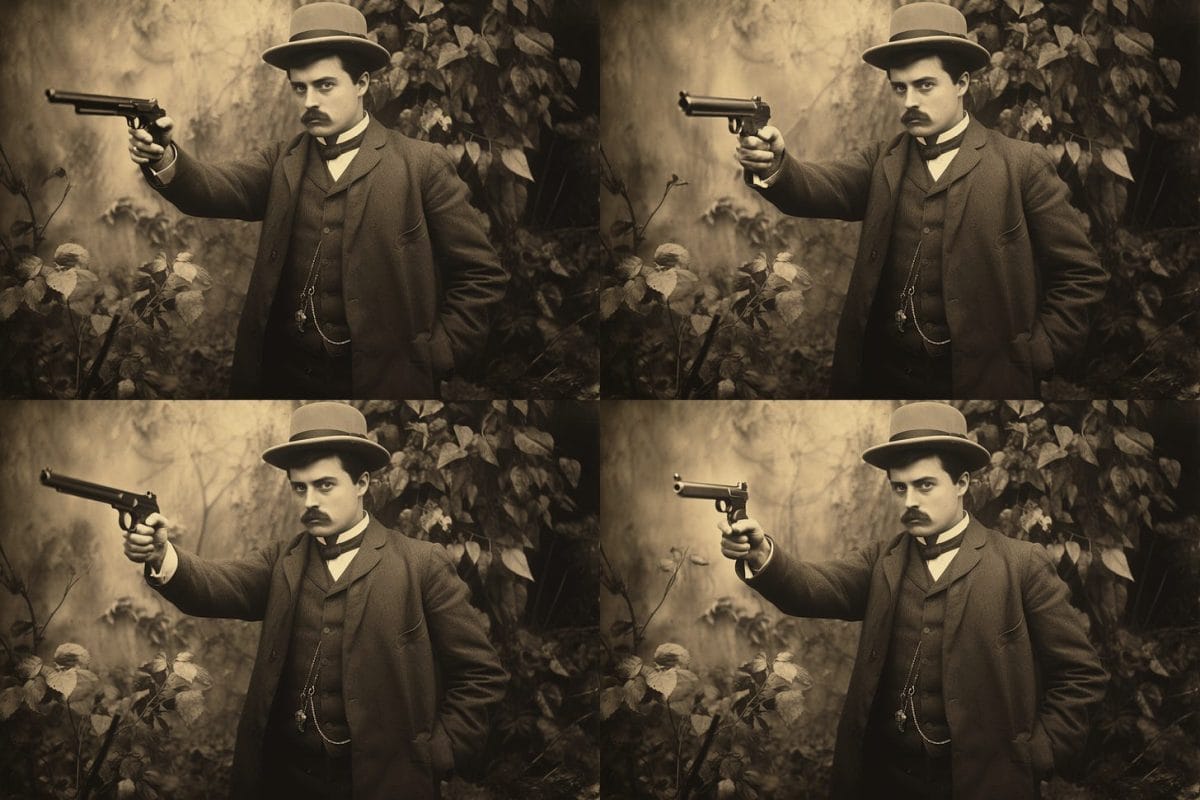
Midjourney is widely regarded as the strongest of the mainstream image generators on aesthetic polish — the “does this look considered” quality of an output. DALL-E 3 (via ChatGPT) is generally considered stronger at literal prompt-following, producing what you specifically asked for rather than the most striking interpretation of it. Flux Pro, from Black Forest Labs, is the current reference point for text rendering, historically Midjourney’s weakest area, though the v8 line has narrowed that gap. Stable Diffusion’s out-of-the-box results trail the hosted models, but it remains the option for full fine-tuning and local control.
Midjourney’s terms: you own the images you generate, with usage rights for commercial purposes — except that companies with more than $1M in annual gross revenue must be on the Pro or Mega plan to own their outputs; Basic and Standard don’t qualify at that size. Free trial outputs were never licensed for commercial use (the free trial ended in March 2023, but legacy outputs from it still carry that restriction).
The trickier question: copyright on AI-generated images is legally unsettled. US Copyright Office says human authorship is required, and pure AI generations have been denied copyright. The practical answer: companies use Midjourney images commercially every day; lawsuits against those downstream users haven’t materialized. If you’re risk-averse, use Midjourney for ideation and have a human artist redraw or substantially modify outputs that go to print.
Getty Images v. Stability AI, a similar AI-training copyright case in the UK, was largely decided in Stability’s favor in November 2025 on the copyright claims (Getty is appealing). Midjourney itself faces a separate copyright suit brought by Disney, Universal, and other studios in 2025; as of September 2026 that case is still in discovery, with no ruling yet on the underlying infringement claims. Commercial use of Midjourney images remains the norm in the meantime; final legal certainty is still pending.
a/midjourney b/dalle
DALL-E 3 is built into ChatGPT — no separate subscription, multi-turn conversation about the image. Different category of product.
Verdict: Midjourney for production work where aesthetics matter. DALL-E for casual generation inside ChatGPT. Many designers use Midjourney for finished work and keep DALL-E on hand for quick iteration inside a chat interface.
a/midjourney b/stable-diffusion
Stable Diffusion is open weights — you can run it locally, fine-tune it on your own data, integrate via API. Completely different ownership model.
Verdict: Midjourney for designers and marketers who want results. Stable Diffusion for developers and ML engineers building products on top of image generation.
a/midjourney b/flux-ideogram
Black Forest Labs (Flux) and Ideogram are the closest competitors on quality. Flux Pro especially has narrowed the aesthetic gap.
Verdict: Midjourney for craft work. Flux/Ideogram for production pipelines, text-heavy generation, or API-integrated applications.
The v8 line improved significantly on short text — quoted words in a prompt now render legibly on signs and labels far more often than under v7 — but longer text still comes out unreliable. For posters, book covers, anything typography-driven, generate the image without text and add typography elsewhere.
$10 minimum to try anything. The Basic tier limits monthly generations to about 200 images. For sporadic use, you’re paying $10 to do five prompts.
v6 mostly fixed hand anatomy, and v7 and the v8 line are better still. But complex hand poses — playing instruments, signing, holding small objects — still produce occasional 6-finger results. Always check.
The original Discord interface, while community-rich, is awkward for production work. Long threads, hard to find specific outputs, no proper organization. The web app fixed most of this, but power users with years of Discord history have organizational debt.
Unlike DALL-E, Stable Diffusion, or Flux, you cannot call Midjourney from your application. Third-party wrappers exist (using Discord automation) but are unofficial and brittle. For production integration, look elsewhere.
Midjourney’s default aesthetic (v8.x) leans toward dramatic lighting and slightly over-stylized faces. For absolutely-realistic candid photography, you might find Flux more neutral. For everything else, the dramatic touch is usually what you want.
Save your best generations as PNGs. Use them as --sref references in future prompts. Over time you build a “house style library” that makes your output instantly recognizable.
When the model keeps adding things you don’t want (people, text, certain objects), add --no people --no text. More reliable than just omitting from the prompt.
The default 1024×1024 is fine for web. For print, social hero images, or anything that’ll be zoomed in on, upscale to 2K or 4K. Upscaling is available on all paid plans.
Save your best prompts in a Notion or Apple Notes. The wording that worked on a specific aesthetic, the named artists that produced the look you wanted. Your future self will thank you.
The Midjourney web app shows other users’ public generations. Watch what works. Click prompts you like — they auto-fill into your prompt bar. Best prompt-craft tutorial that exists.
Generated an image you love but need more space on one side? Pan in that direction adds new content seamlessly. Zoom out extends the canvas around the image. Better than re-prompting.
When an image is 90% right but one element is wrong, use Vary (Strong) — Midjourney generates variations that change that element while keeping the rest. Faster than re-prompting from scratch.
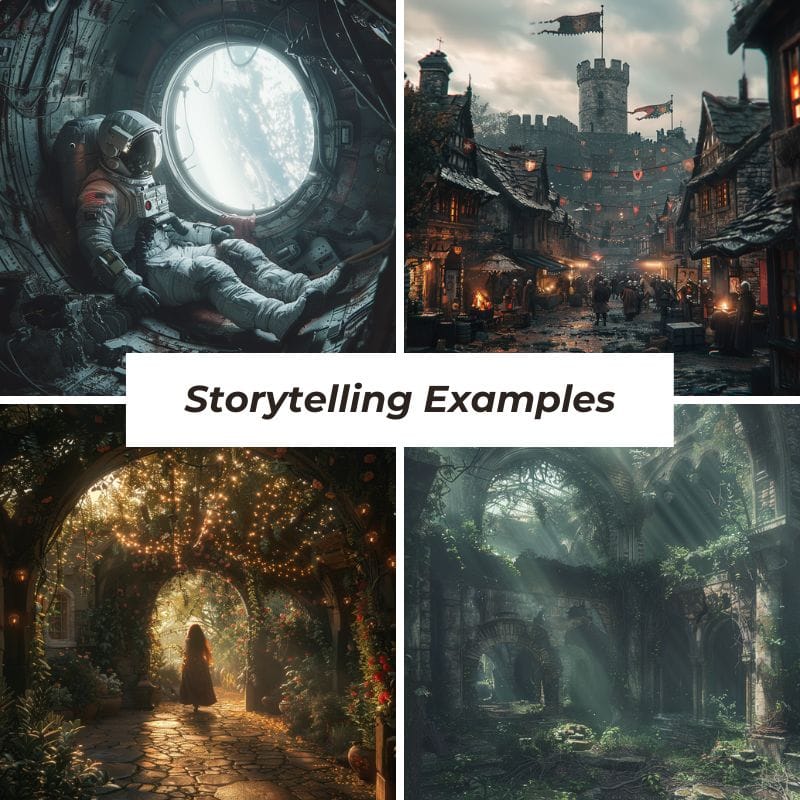
Style reference (–sref) preserves visual style. On v8.x, the Edit Model (attach up to four reference images) is what preserves a specific character, replacing the older –cref parameter. Combining a style reference with the Edit Model lets you generate a consistent character in a consistent style across many images — useful for storytelling, comics, marketing series.
--sref image overwhelms the subject, lower --sw (style weight) to 50 or 25.--ar 16:9 gets you landscape compositions. The model frames differently than 1:1. Pick deliberately.Basic ($10/mo): About 200 fast generations. Personal use, exploration. No commercial use if your company is over $1M revenue.
Standard ($30/mo): 15 hours of fast generation (~900 generations) + unlimited relaxed mode. The default for working designers — though companies with more than $1M in annual revenue need Pro or Mega instead.
Pro ($60/mo): 30 hours fast + stealth mode (private generations) + unlimited relaxed. For professionals who don’t want their work in the public community feed.
Mega ($120/mo): 60 hours fast + all Pro benefits. For heavy daily users running creative agencies or production pipelines.
If image quality matters and you’ll use it weekly, Midjourney. If you already pay for ChatGPT Plus and just need occasional images, DALL-E. Many professionals use both.
For occasional personal use, yes. For working designers, you’ll burn through 200 generations in a week. Move to Standard.
Yes, on any paid plan — but companies with more than $1M in annual revenue must be on Pro or Mega, not Basic or Standard. Free trial outputs (unavailable since March 2023) had different rules.
Not officially. Third-party wrappers exist using Discord automation but are unofficial and brittle.
On Basic and Standard, your generations are public by default and appear in the community feed. Stealth mode (Pro and Mega) hides your work from the feed on midjourney.com — but anything you generate in a shared Discord channel is still visible to others in that channel regardless of your stealth setting.
1:1 for social posts. 16:9 for hero images and presentations. 4:5 for Instagram-portrait. 9:16 for stories. Try multiple — the model composes differently for each.
30-60 seconds in fast mode. 2-3 minutes in relaxed mode (during peak times). The web app shows your queue position.
No. Content policy filters out adult content. For unrestricted generation, use self-hosted Stable Diffusion.
Legally unsettled. US Copyright Office requires human authorship. Commercial use is widespread; lawsuits ongoing. If risk-averse, have humans modify before publication.
No. Cloud-only.
Four years in, Midjourney is still the answer when image quality is the priority. The aesthetic gap to other generators is narrower than it was in 2023 but it remains real and consistent. Style references make Midjourney uniquely good at consistent brand work. The 30-second iteration loop keeps you in flow. The community-discovery feature accelerates prompt-craft faster than any tutorial.
The trade-offs are real — no free tier, no native API, occasional text-rendering misses — but for designers, marketers, content creators whose output is visuals, the value is plain. Standard at $30/mo pays for itself in the first commercial image you’d otherwise have outsourced.
Every verified price, limit, and model change we have tracked for Midjourney.
One email when Midjourney changes price or limits. No account, no spam.